
When you are absent during some days, weeks or months, you can set up which other user from your company to take over your tasks, approve packaging layouts and annotate documents.
In the menu “My WebCenter” you will find the submenu “My Delegates"
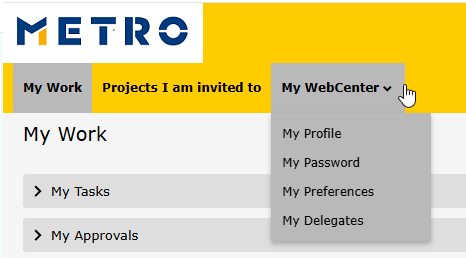
The system will display this page:
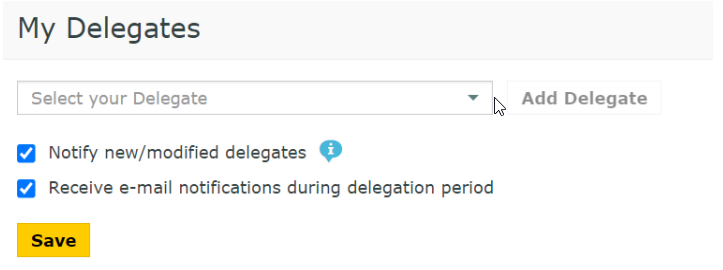
Select your delegate out of the users from your company and click on “Add Delegate”:
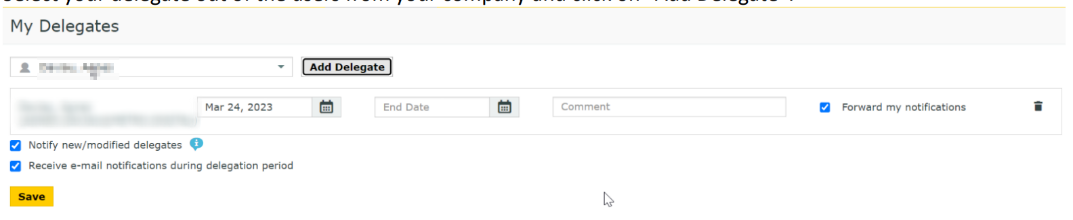
To inform your colleague about the delegation, enable “Notify new/modified delegates”. If this is a temporary delegation until your return to work, specify a start date and an end date. There is also a comment field to leave your notes. If you leave the end date empty, the colleague can act as your permanent delegate.
You can delegate your work to more than one user and you can modify it at a later date.
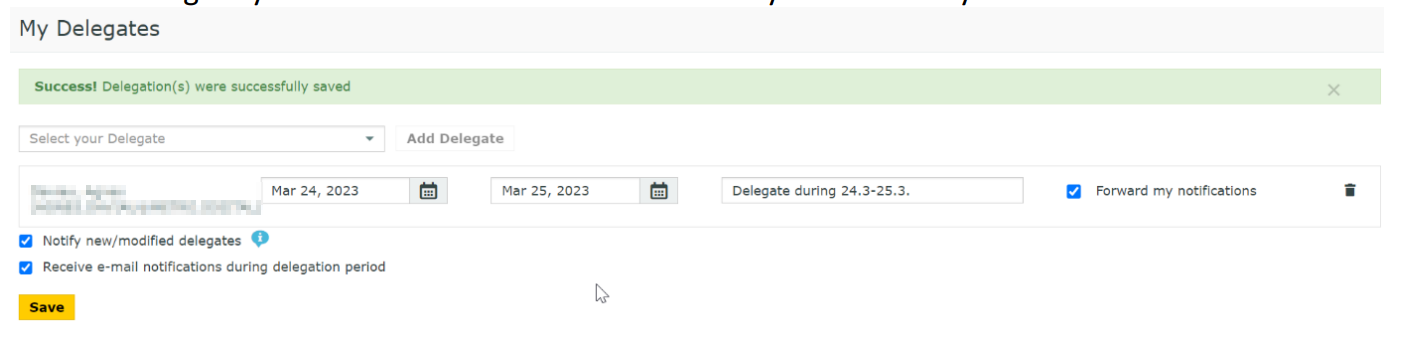
You can even delete by clicking on the trash icon. Don’t forget to save your changes!