You will receive a notification email whenever you have a task in OBDM.
If you haven’t logged into OBDM yet today, please log in through the Metro Link Plus Portal: https://de.metrolink-plus.com.
If you are already logged in, you can open the task directly using the link in the email.

Behind this login link, you will find the login page with the fields “User name” and “Password.”
Your User name is the email address you used during registration.
Your Password is the one you created when registering.
If you have forgotten your password, please use the “Forgot Password” link below the login fields to set a new one.
After entering your User name and Password correctly, you will be taken to the next page to enter your 2FA pin. This is a 6‑digit code that you will either receive by SMS or generate via the Authenticator app, depending on the option you selected during your first login after registration.
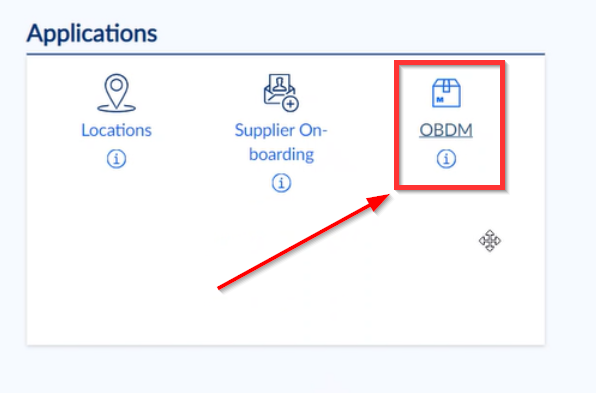
Once you have successfully logged in, you will see the OBDM icon in the application area. Clicking this icon will take you directly into OBDM.